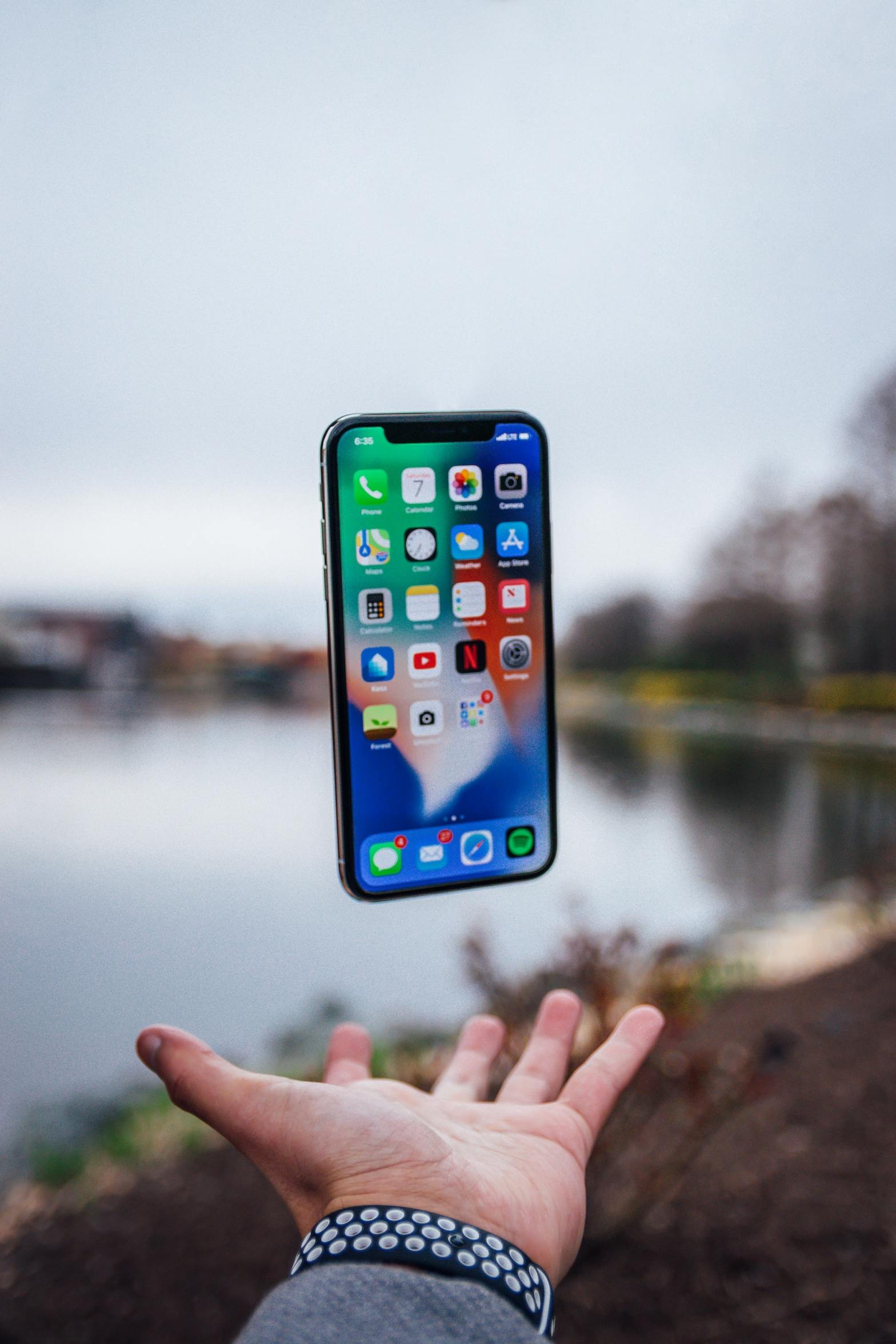
Touch and hold any app or widget on the Home Screen, then tap Edit Home Screen. You’ll notice that the apps begin to jiggle and a minus sign appears on the top left of each app. Proceed carefully because you can easily delete an app at this point with a couple rogue taps. You canContinue reading “How to Move Apps on Your iPhone”
-
Subscribe
Subscribed
Have a WordPress.com account? Log in now.

